
Problem
Most of the time, the only way to really see a new hairstyle is to cut or dye your hair. Off-the-shelf filters distort the face and the photo, don't look realistic, and are limited to a handful of preset styles.
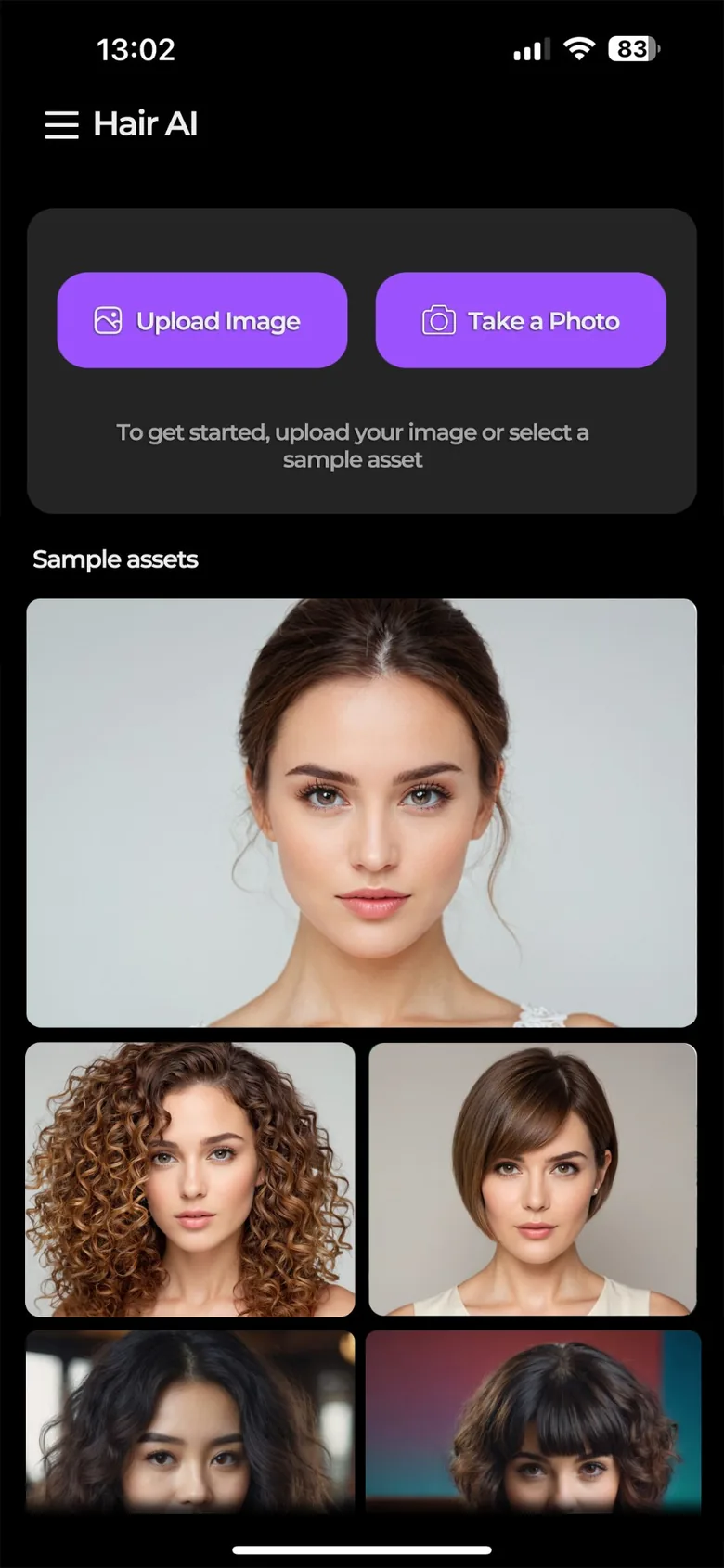
Hair AI answers the question “would this look good on me?” before you go to the hairdresser. Users upload or take a photo of themselves; the app finds the hair region automatically, and they can touch it up with a brush if they want. The chosen style and color are applied to the hair alone, leaving the face and background untouched.
Most of the time, the only way to really see a new hairstyle is to cut or dye your hair. Off-the-shelf filters distort the face and the photo, don't look realistic, and are limited to a handful of preset styles.
The hair region is masked automatically, and generative AI redraws only that region (inpainting). The desired hair is described with preset styles, a color palette or free text, and every generation returns multiple variations. Jobs run through a queue on GPU servers, with progress shown live in the app.
The photo is uploaded to the cloud, and the user's daily generation quota is checked.
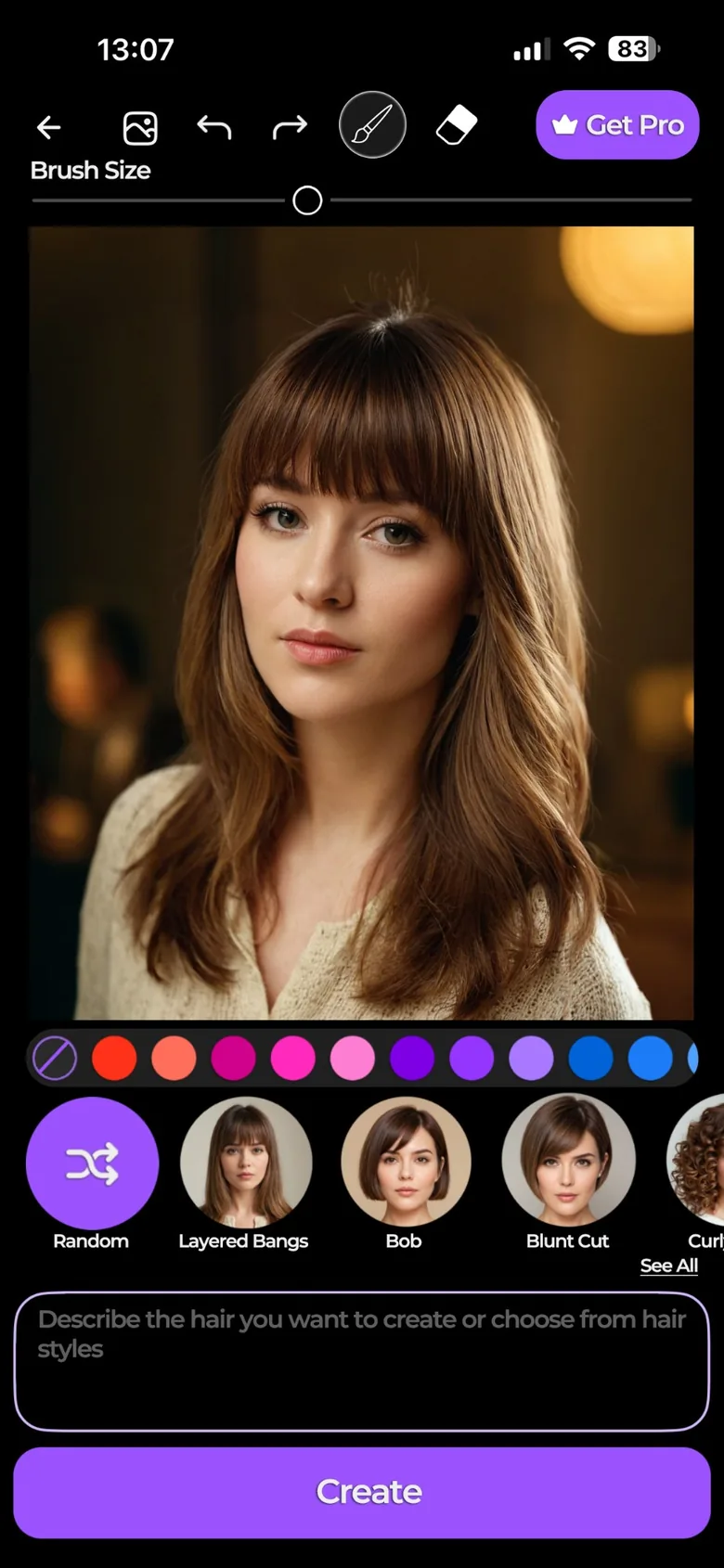
The hair region is detected automatically; the user can refine it with a brush and eraser.
The chosen style, color or free text is turned into prompts suited to the model.
The job enters the GPU queue; the model redraws only the masked region.
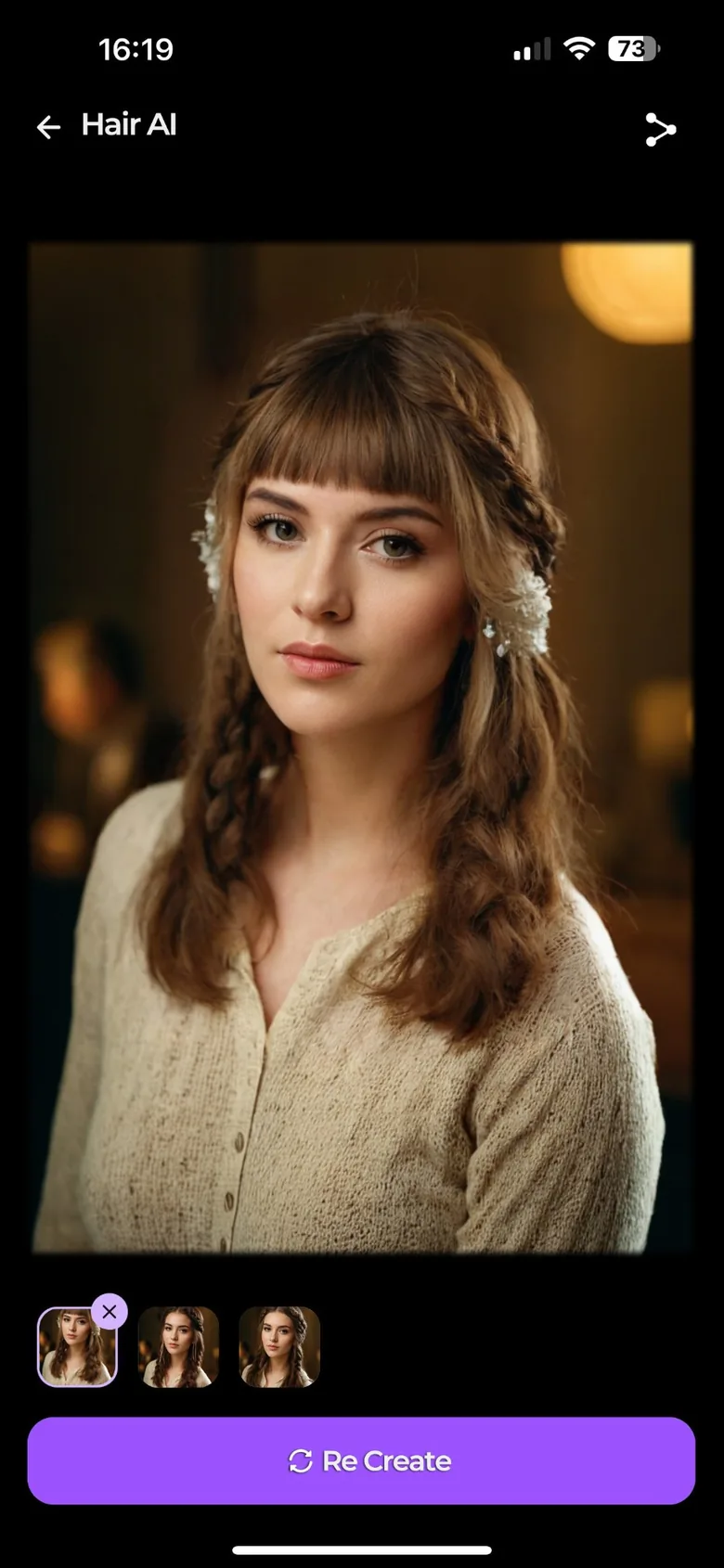
Variations come back to the app, where they are rated, saved or shared.
A segmentation service finds the hair region in the uploaded photo. Users can refine the mask with a brush and eraser; the face and background never change.
Preset hairstyles, a wide color palette and free text. Styles and prompts are served from the backend, so adding a new style doesn't require an app update.
Every generation returns multiple results, and any result you don't like can be regenerated with a single tap.
Free and Pro plans differ in daily generation quota, style and color options, HD results and watermarking. Subscriptions are verified on the server through RevenueCat and App Store notifications.
Sign in with Apple, Google, Instagram or a code sent by email. Users who start as guests can save their account later.
Every result can be rated and commented on; the feedback shows which styles and prompts work well.
The user journey in five steps, from welcome screen to result.
The photo reaches the API, the hair mask is extracted, the job is written to the queue, and the app immediately gets a job ID back. The queue hands the job to a GPU and the results are written to S3; the app polls for status and fetches the results directly from S3 through signed URLs. Photart uses the same API and queue.
External serviceOne codebase for iOS and Android
 React Native
 Expo
 TypeScript
 Redux Toolkit
 i18nextMultilingual interface
A shared API serving multiple apps
 Java 17
 Spring Boot 3
 Spring Security
 MySQL
 AWS S3
From mask to new hair
AWSGPU serverSign-in and subscriptions
 RevenueCat
 Sign in with Apple